You can open the ABC tool in two ways: through the SPEAC Portal dashboard, or directly through the ABC website. Both use your SPEAC Portal email and password.
Before you start: You need a registered SPEAC Portal account (see Registering and Logging In) and a role that includes ABC access. |
Option 1: Through the SPEAC Portal
1. Go to portal.speacsafety.net/
2. Enter your email address and password.
3. Click Log In.

4. On the dashboard, find the ABC card and click Go.
Note: The dashboard only shows tools your role has access to. If you don’t see ABC, contact your administrator.
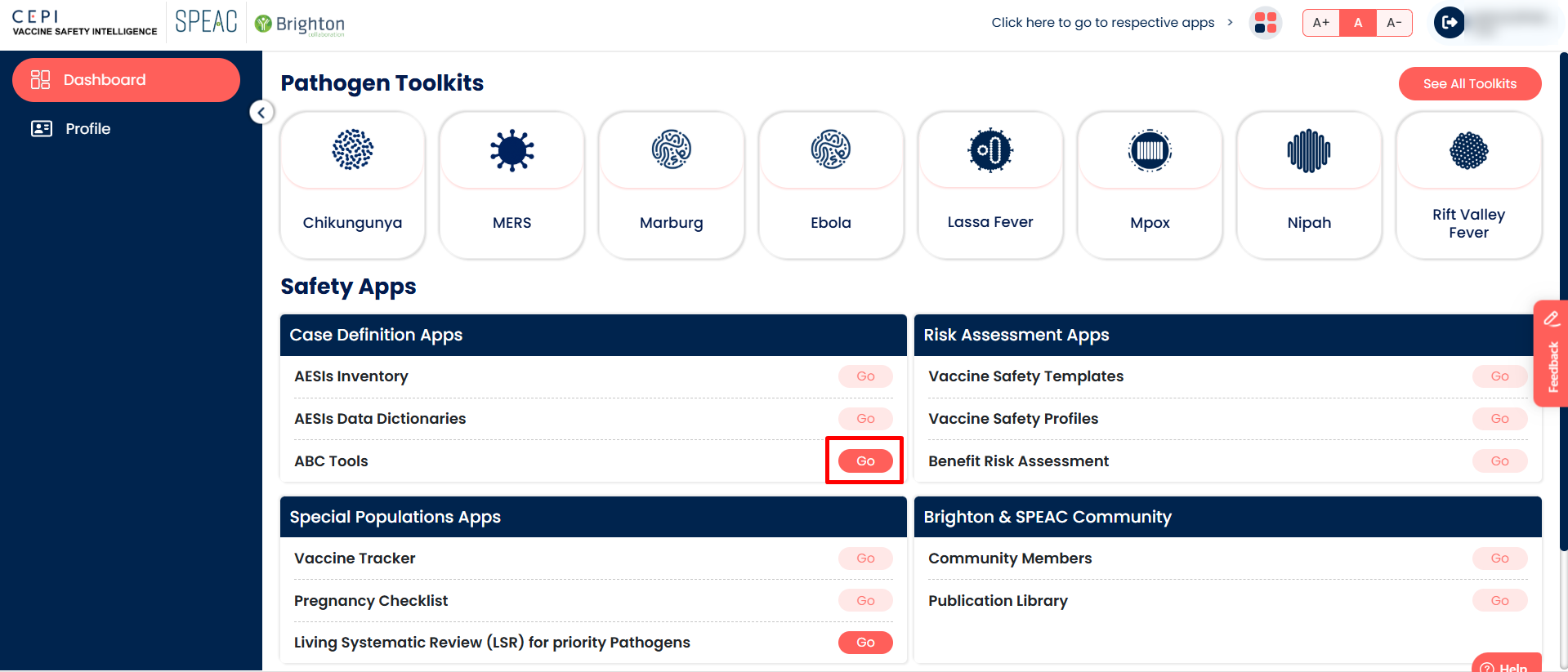
The ABC app opens.
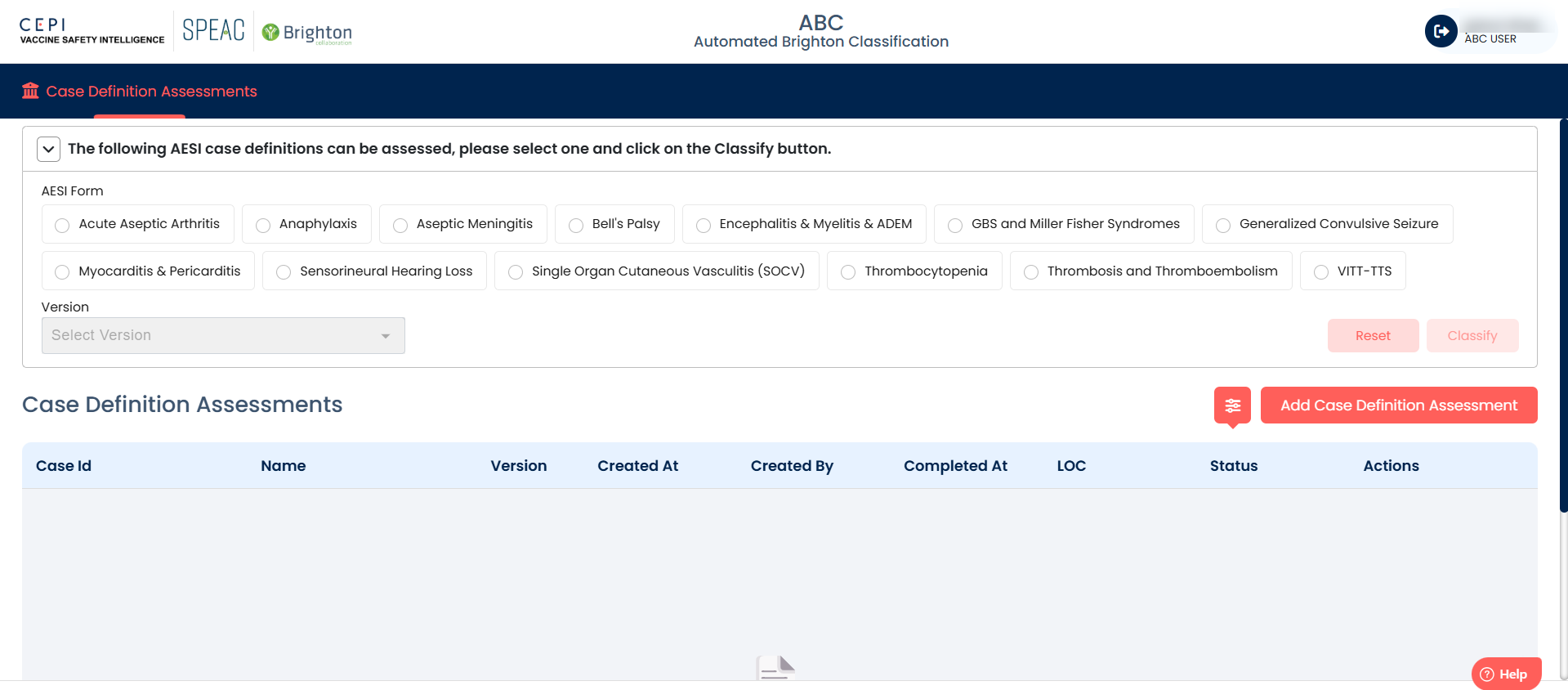
Option 2: Directly through the ABC URL
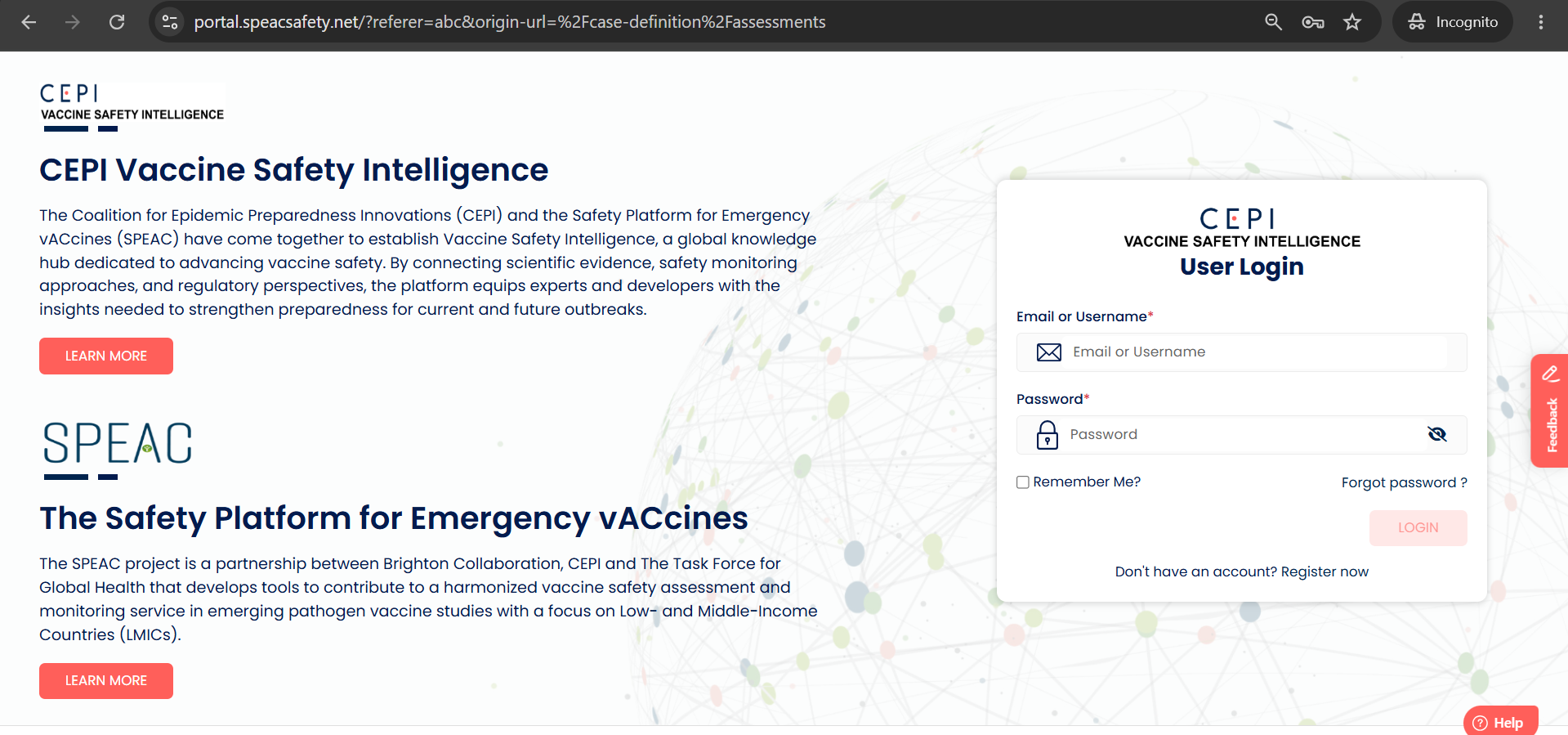
1. Go to abc.speacsafety.net/
2. Enter your email address and password.
3. Click Log In.
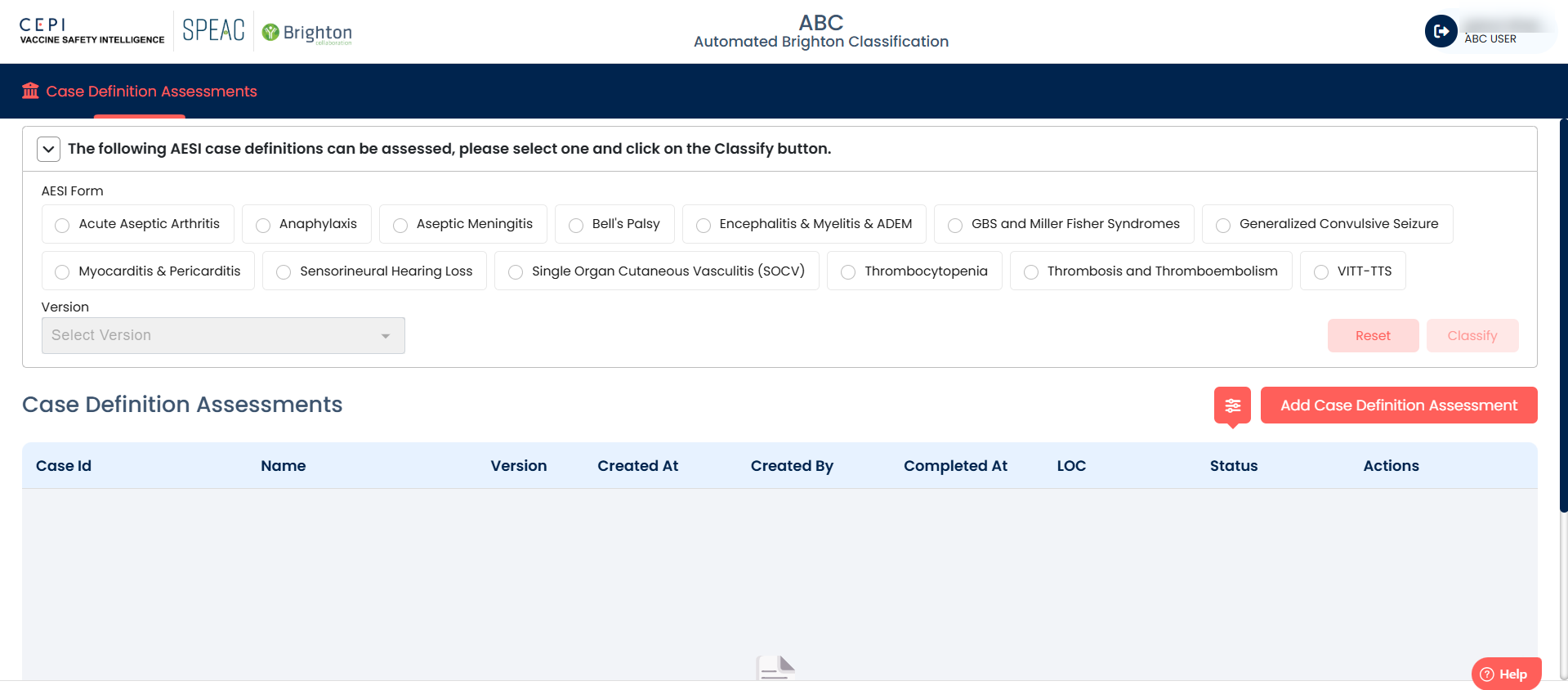
The ABC app opens.
Troubleshooting: If ABC isn’t on your dashboard, contact your administrator to check your role. If you forgot your password, use the forgot-password link on the login page.
Need help? Create a support ticket (How to Create a Support Ticket in the Helpdesk Portal).
Was this article helpful?
That’s Great!
Thank you for your feedback
Sorry! We couldn't be helpful
Thank you for your feedback
Feedback sent
We appreciate your effort and will try to fix the article