This article explains how to create a SPEAC Portal account, verify your email and log in.
Create an account
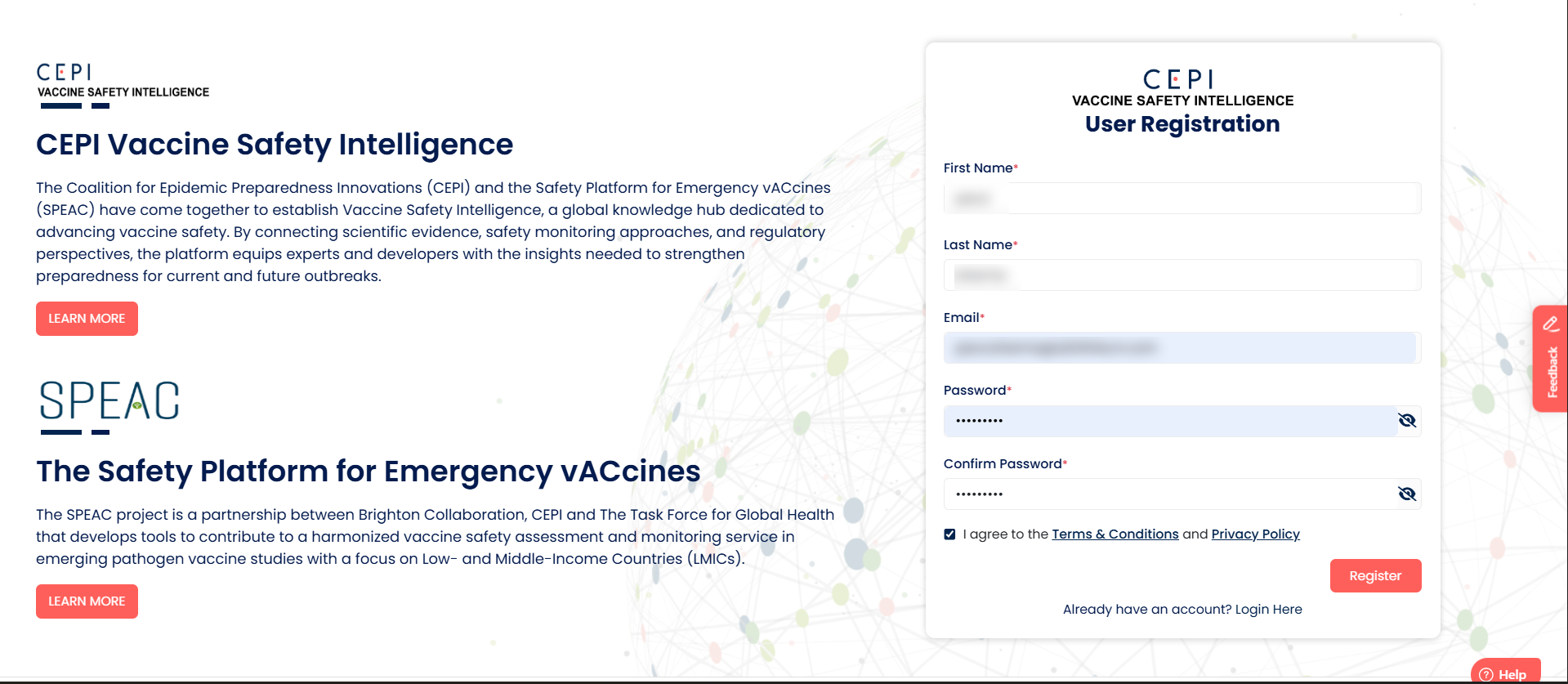
1. Go to portal.speacsafety.net/
2. Enter your first name, last name, email, password and confirm password.
3. Click on Register to submit the form.
Password rules: 8–32 characters, including at least one uppercase letter, one lowercase letter, one number and one special character. Your email must not already be registered. |
Verify your email
1. Open the verification email sent to your inbox.
2. Click the verification link to confirm your email.
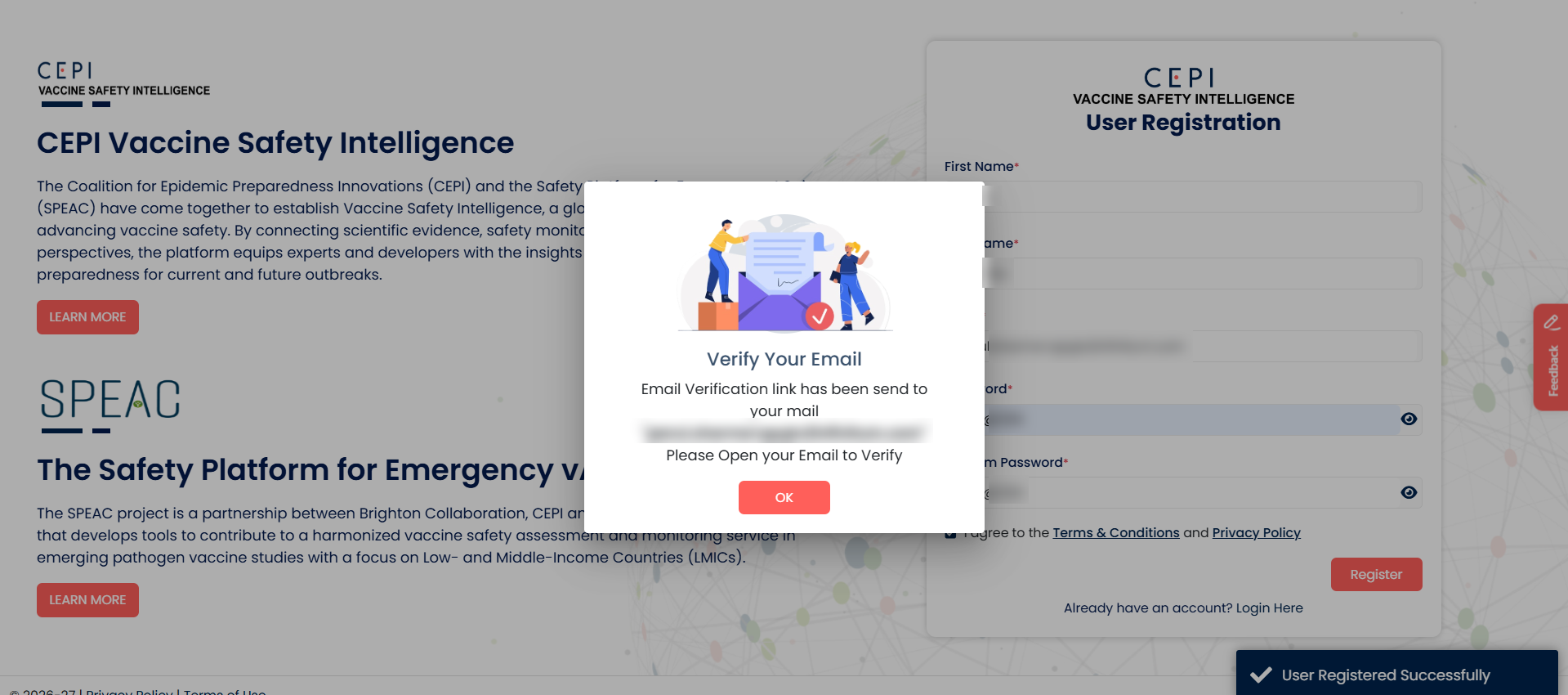
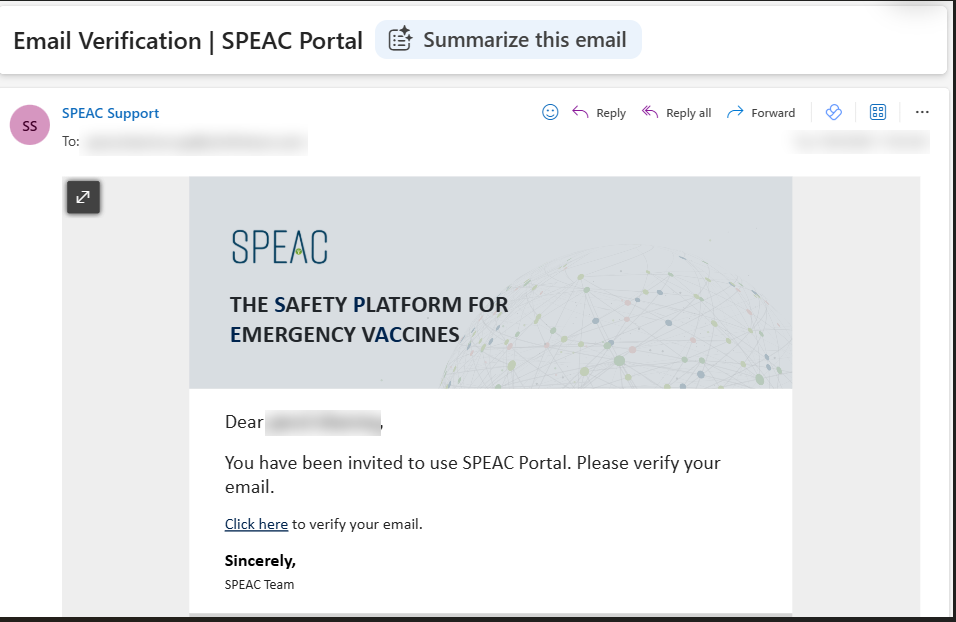
Your account is now activated. You must verify your email before you can log in.

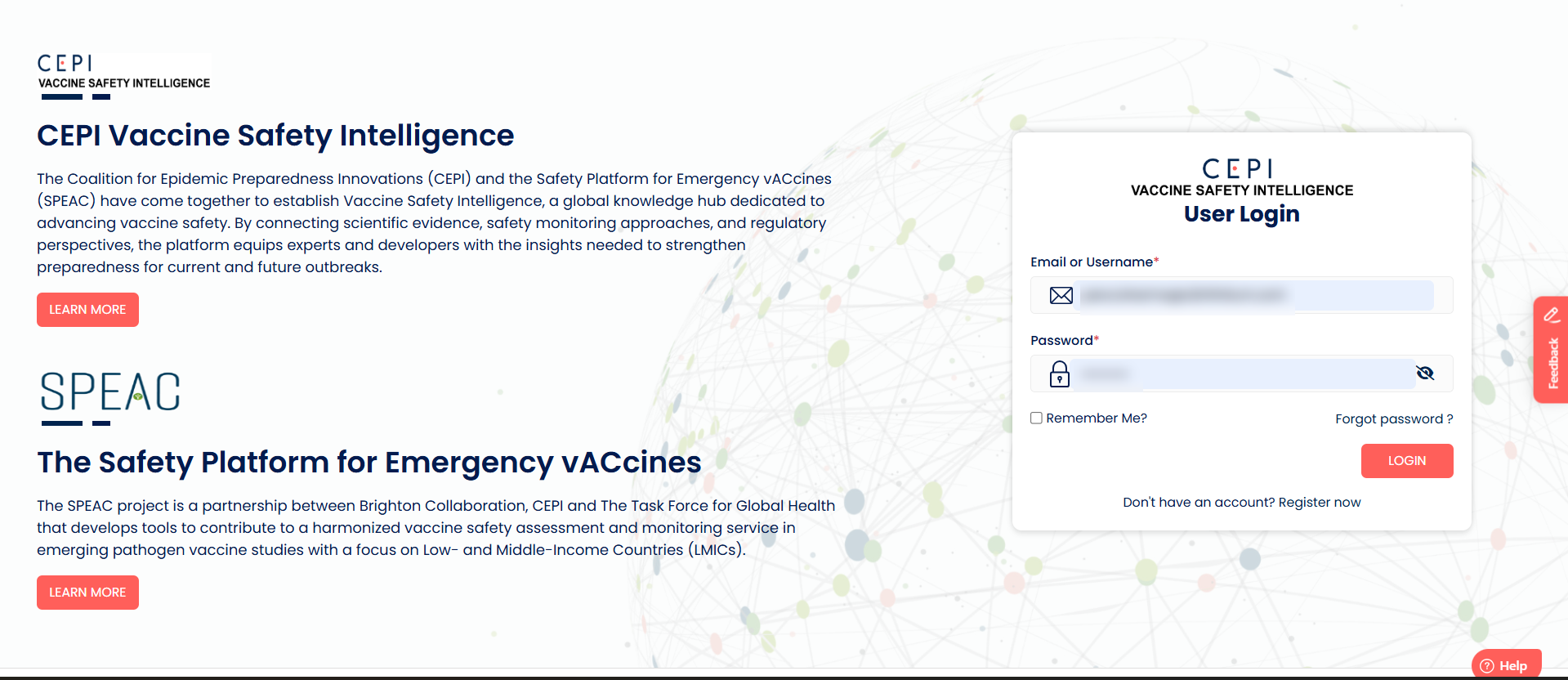
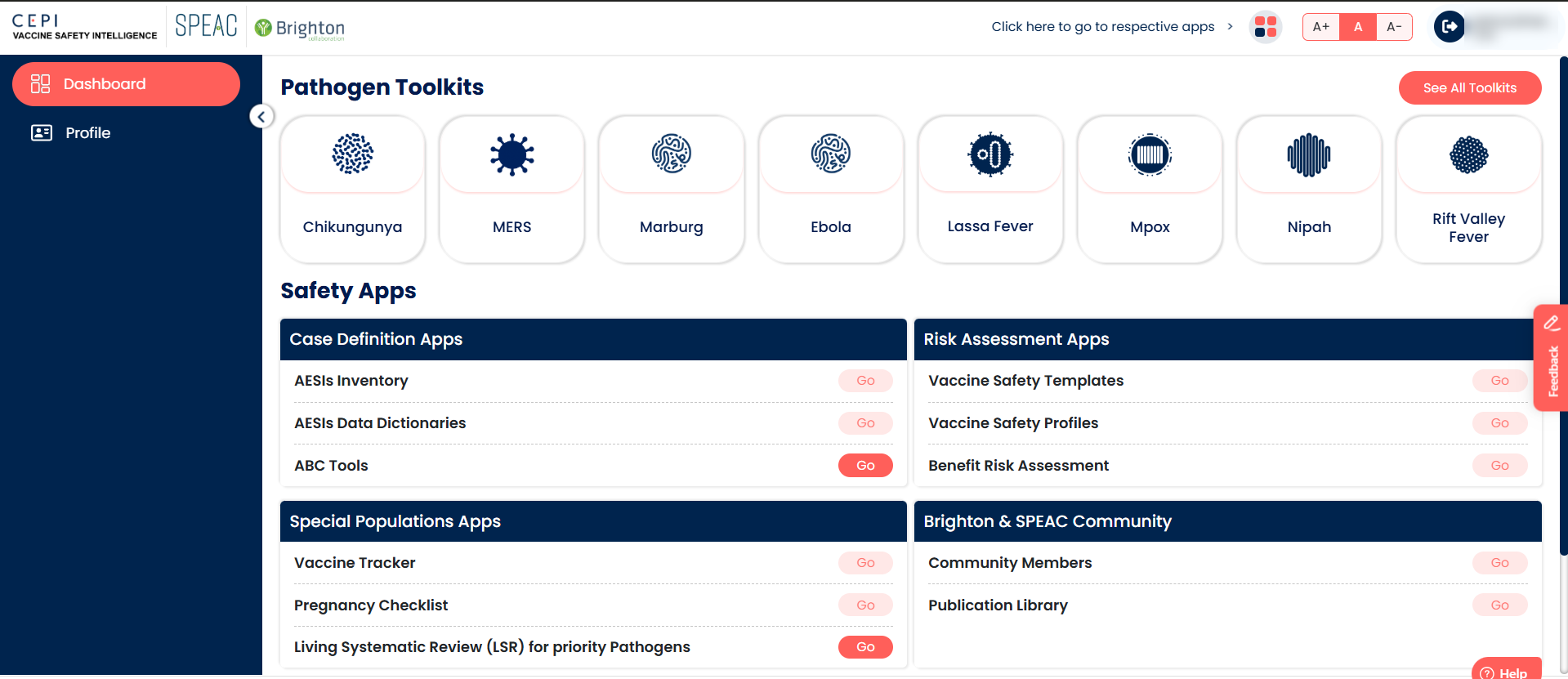
You are taken to the dashboard. The links shown depend on your role.
Was this article helpful?
That’s Great!
Thank you for your feedback
Sorry! We couldn't be helpful
Thank you for your feedback
Feedback sent
We appreciate your effort and will try to fix the article